Summarize with AI


WordPress has powered SaaS websites for years. It is flexible, widely supported, and deeply familiar to most teams.
But as SaaS products mature, many teams start feeling friction. Simple changes take too long. Design updates feel risky. Marketing and product teams depend on developers for things that should be fast.
In 2026, more SaaS teams are moving from WordPress to Framer, not because WordPress is broken, but because their needs have changed.
This article breaks down why that shift is happening, when it makes sense, and what teams should think about before making the move.
Why SaaS teams are rethinking WordPress
WordPress was built for content publishing. Over time, it has been stretched to support marketing sites, product pages, and complex interactions.
For SaaS teams, this often leads to a familiar set of problems. Design changes require theme edits or plugins. Page builders add layers of complexity. Performance becomes harder to control. Small updates feel heavier than they should.
As teams grow, the cost is not just technical. It is operational. Speed slows down, iteration suffers, and ownership becomes unclear.
Framer’s appeal for modern SaaS teams
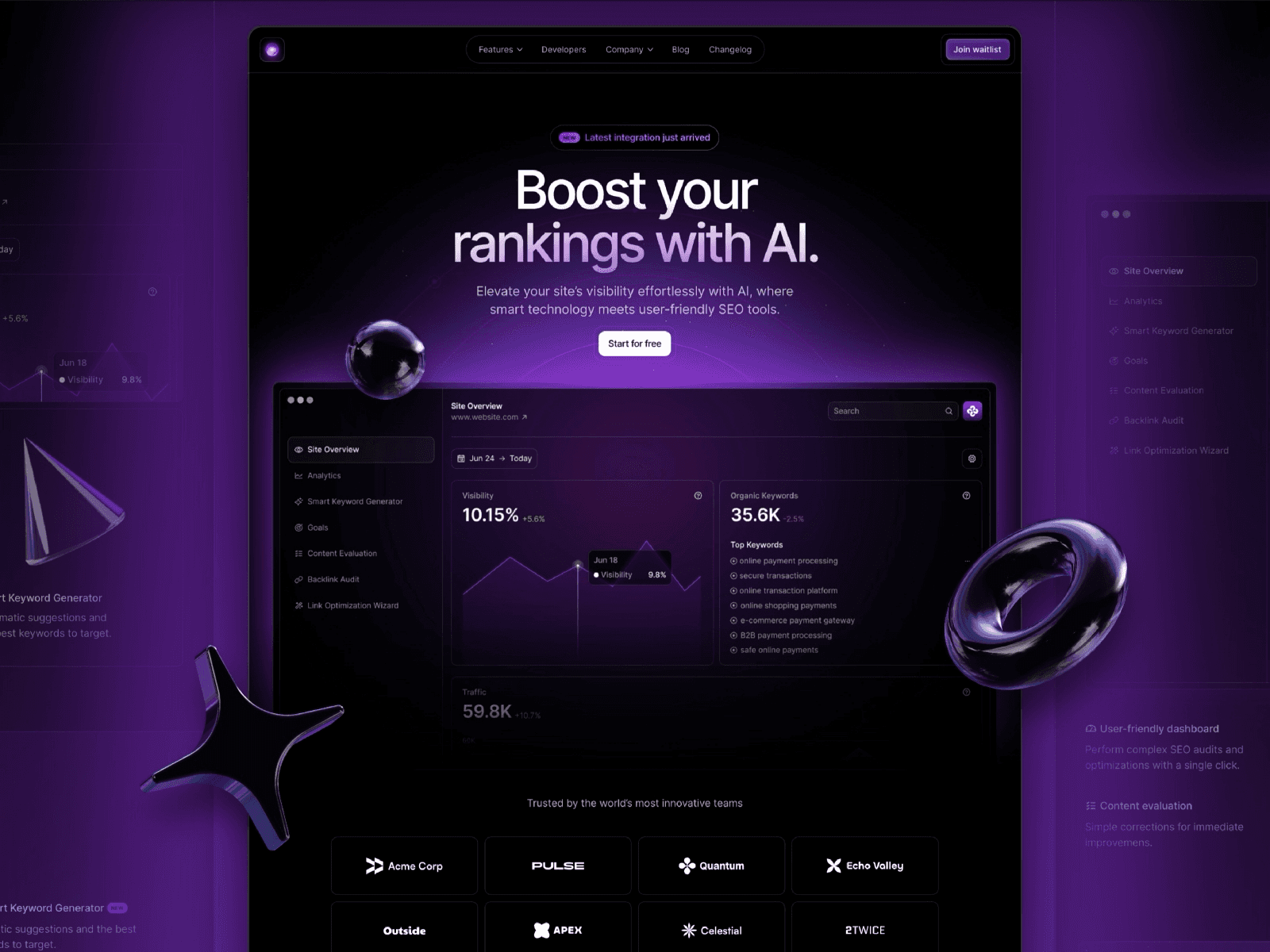
Framer approaches websites from a design-first perspective.
Instead of themes and plugins, teams work directly with layouts, components, and interactions. Design and content live closer together. Visual changes feel safer because they are visible and reversible.
For SaaS companies that care about clarity, consistency, and speed, this model feels more aligned with how teams actually work.
Speed and iteration as a competitive advantage
One of the biggest reasons teams move away from WordPress is iteration speed.
Landing pages, messaging, and positioning need to evolve quickly. In WordPress, this often means tickets, handoffs, or workarounds. In Framer, many of these changes can be made directly by design or marketing teams.
That shift changes behavior. Teams experiment more. Pages improve faster. The website becomes a living system instead of a fragile artifact.
Performance and reliability considerations
Modern SaaS websites are judged quickly. Slow loads, layout shifts, or inconsistent behavior hurt trust.
WordPress performance depends heavily on hosting, plugins, and ongoing maintenance. Framer abstracts much of this complexity. Hosting, performance optimizations, and deployment are handled by default.
For many teams, this reduces operational overhead and removes a category of problems entirely.
SEO concerns when moving from WordPress
SEO is often the biggest fear when considering a move.
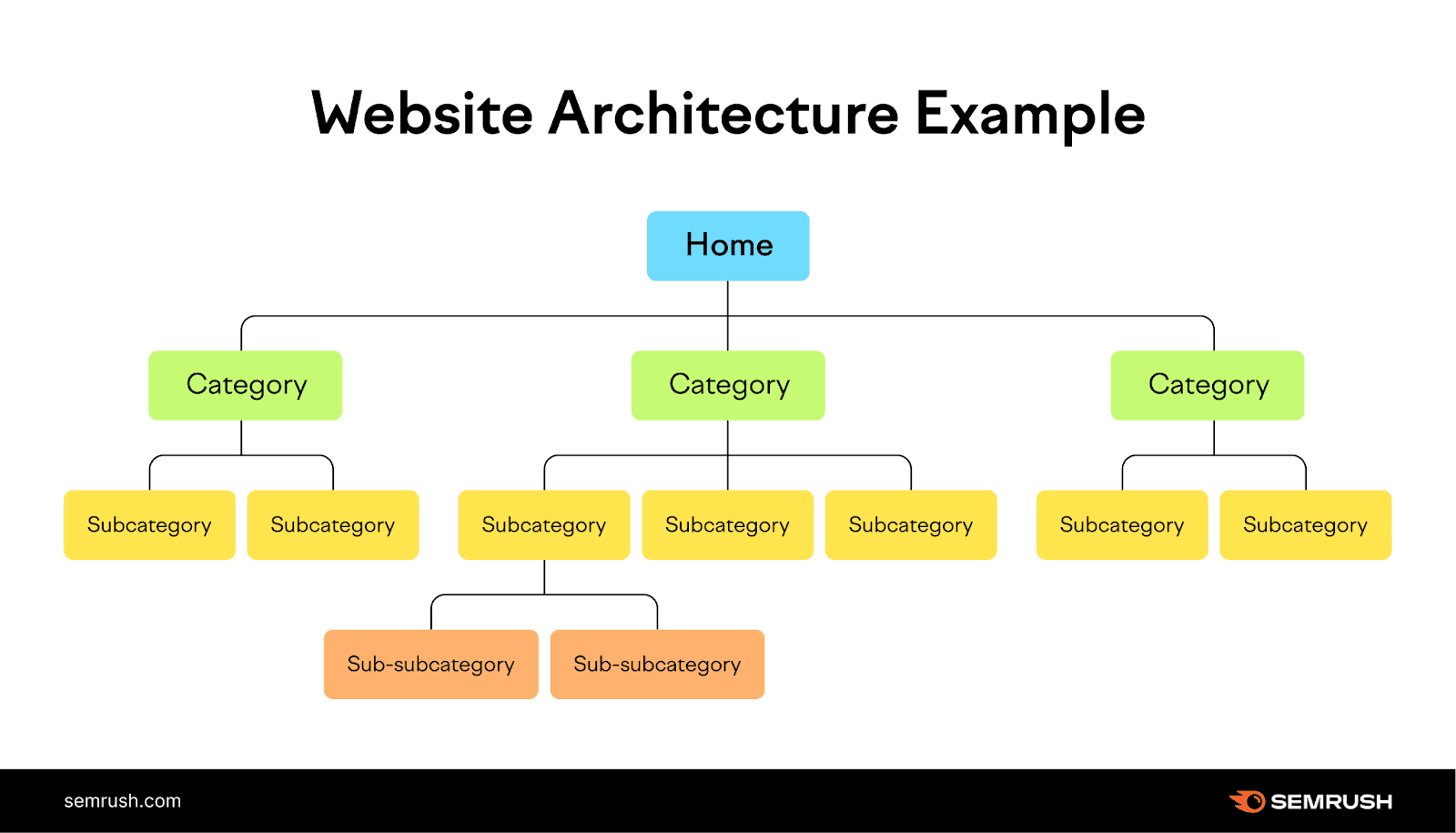
In practice, SEO performance depends less on the CMS and more on structure, content quality, and technical hygiene. Clean URLs, proper headings, fast load times, and crawlable content matter far more than the platform itself.
Teams that migrate carefully, preserve URLs, and maintain content structure can move to Framer without losing search visibility. In some cases, performance improves.
When moving to Framer makes sense
Not every team should move.
Framer works best when the website’s primary job is clarity, conversion, and communication. If your site relies heavily on complex publishing workflows, custom backend logic, or large-scale editorial systems, WordPress may still be the right tool.
But for SaaS marketing sites, product pages, and lightweight content, Framer is often a better fit.
Common migration mistakes to avoid
Most migration issues are not technical. They are strategic.
Teams rush the move without auditing content. They change URLs unnecessarily. They treat migration as a redesign instead of a translation. These choices introduce risk.
A good migration preserves what works, fixes what does not, and avoids introducing unnecessary change all at once.
How we approach WordPress to Framer migrations
At Studio Maydit, we approach migrations as product work.
We start by understanding what the website needs to do. We audit structure, content, and performance. We migrate intentionally, not aggressively. The goal is not to make things look different, but to make them work better.
A successful migration should feel boring on launch day. We don't want any surprises on launch day, do we?
If you are considering the switch
If your WordPress site feels heavy, slow to evolve, or hard to maintain, moving to Framer may be worth exploring.
The right time to switch is usually not when things are broken, but when they are starting to feel constrained.
If you want an outside perspective on whether a move makes sense, we are happy to help you think it through.
Book a call with us when you're ready to skyrocket your conversions and let your website do the selling for you.