Summarize with AI


While working on Dualite’s onboarding, we started with what looked like a familiar UX problem. The product felt heavier than it needed to, even though individual screens were well designed and visually clear.
The initial instinct was to do what most teams do when something feels off. Tighten layouts, clean up UI, reduce visual noise, and refine copy. Those changes helped, but they did not address the underlying friction users were experiencing.
What became clear over time is that the problem was not how the screens looked. It was how they were sequenced.
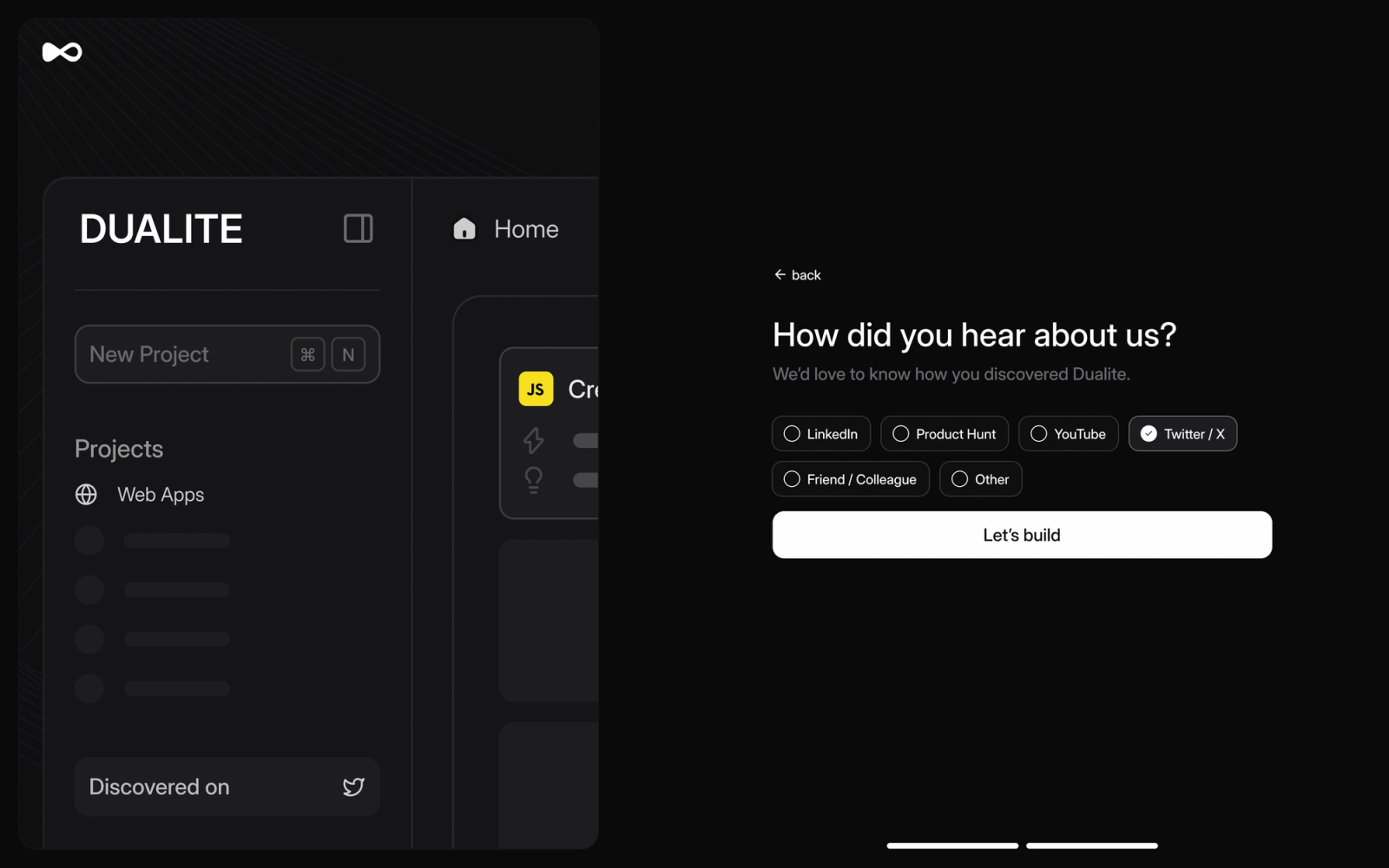
How UX problems are often misdiagnosed as visual issues
When a product is described as having bad UX, the focus almost always shifts to visuals. Designers look for clutter, misalignment, or unclear components, assuming the screen itself is the source of confusion.
In reality, many of these screens are perfectly understandable on their own. The confusion comes from encountering them too early, too late, or without enough context.
What working on Dualite’s onboarding revealed
In Dualite’s onboarding, each screen made sense in isolation. The issue surfaced when users moved through the flow and were asked to make decisions before they had the information needed to feel confident.
We were presenting concepts that required context the user had not yet built. The friction was not visual. It was temporal.
Why sequencing matters more than individual screens
Sequencing forces you to think about timing instead of layout. What should the user understand first, what can wait, and what only becomes relevant after progress has been made.
Once we started asking those questions, the screens themselves became easier to design. They no longer needed to explain everything at once because the sequence was doing part of the work.
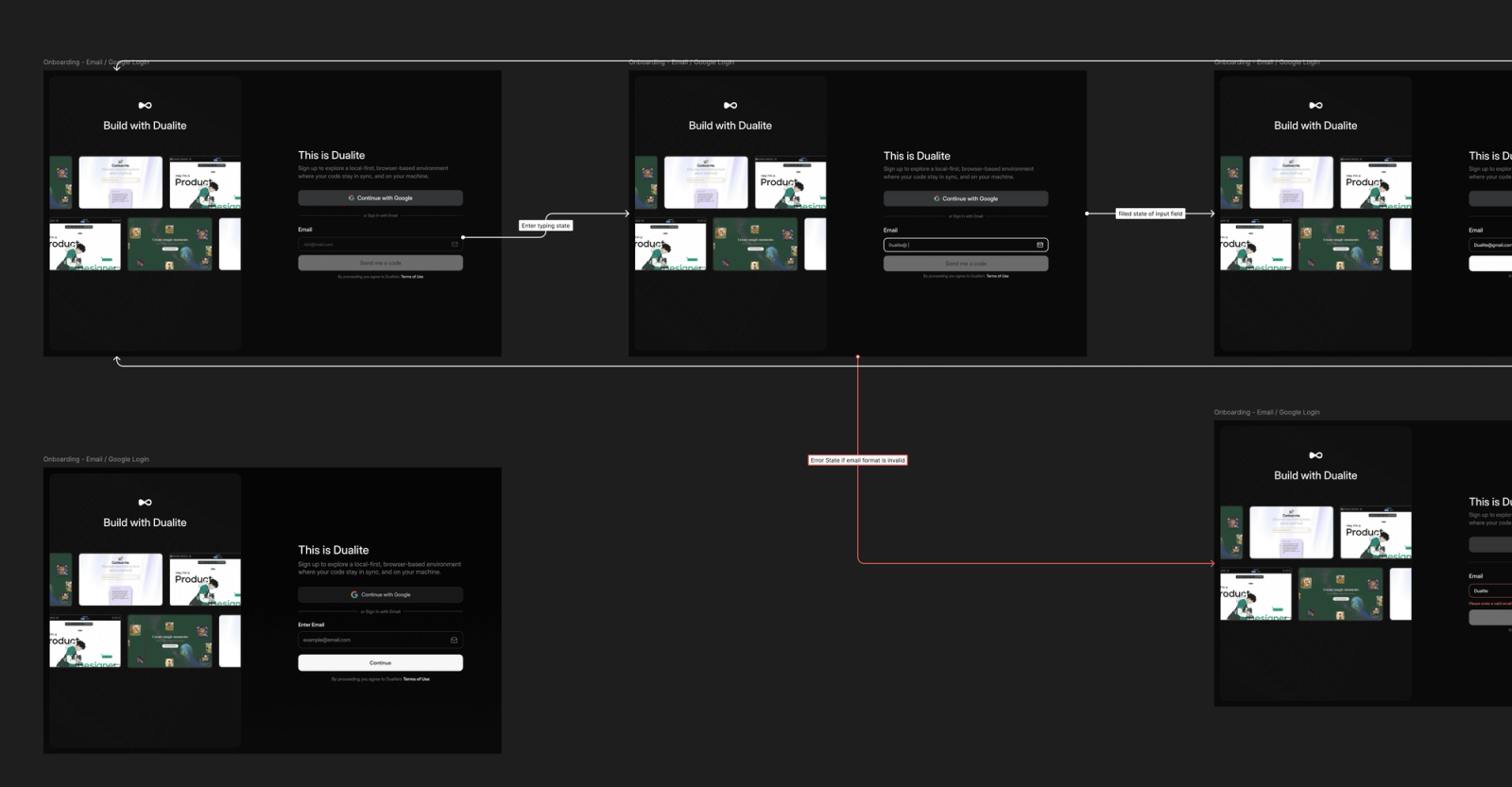
How we think about primary, secondary, and tertiary focus
We often talk about primary, secondary, and tertiary focus when working on flows. This applies not just within a single screen, but across an entire journey.
At any moment, there should be clarity on what matters most, what supports that decision, and what can safely be deferred. Without that hierarchy, even a clean interface can feel overwhelming.
Why polishing screens alone rarely fixes UX
A well-designed screen can still create friction if it appears at the wrong time. Improving UI without questioning sequence often leads to better-looking products that behave the same way.
This is why many redesigns fail to improve outcomes. They address presentation without addressing pacing.
What changed once we redesigned the sequence
When we reworked Dualite’s onboarding from a sequencing-first perspective, screens naturally became simpler. Copy became more focused because each screen had a clearer job to do.
We removed steps not because they looked bad, but because they were premature. The experience felt lighter without relying on visual tricks.
What good UX optimization actually looks like
Good UX is not about making every screen perfect in isolation. It is about respecting how users process information over time and not asking them to think too far ahead.
Working on Dualite reinforced that fixing UX rarely starts with redesigning screens. It starts with stepping back and rethinking the order in which the product asks users to engage.
If your product feels polished but still confusing to use, it is worth questioning whether the issue lives in the screens themselves or in the sequence that connects them.
If you want us to look at the order your own product asks for things, book a 30 minute call and we will walk the sequence with you.